Source image and prompt belong to their respective creators. Public availability does not grant a commercial license.
Anime & illustration / A01
Neon Retro Anime Portrait Prompt
Explore this neon retro anime portrait example. Read and copy the original prompt by @afrinxai, view the source, and review adaptation notes.
@afrinxaiTool named by the sourceNano Banana
Not generation-tested. Results vary with model, settings, and input images.
Original prompt
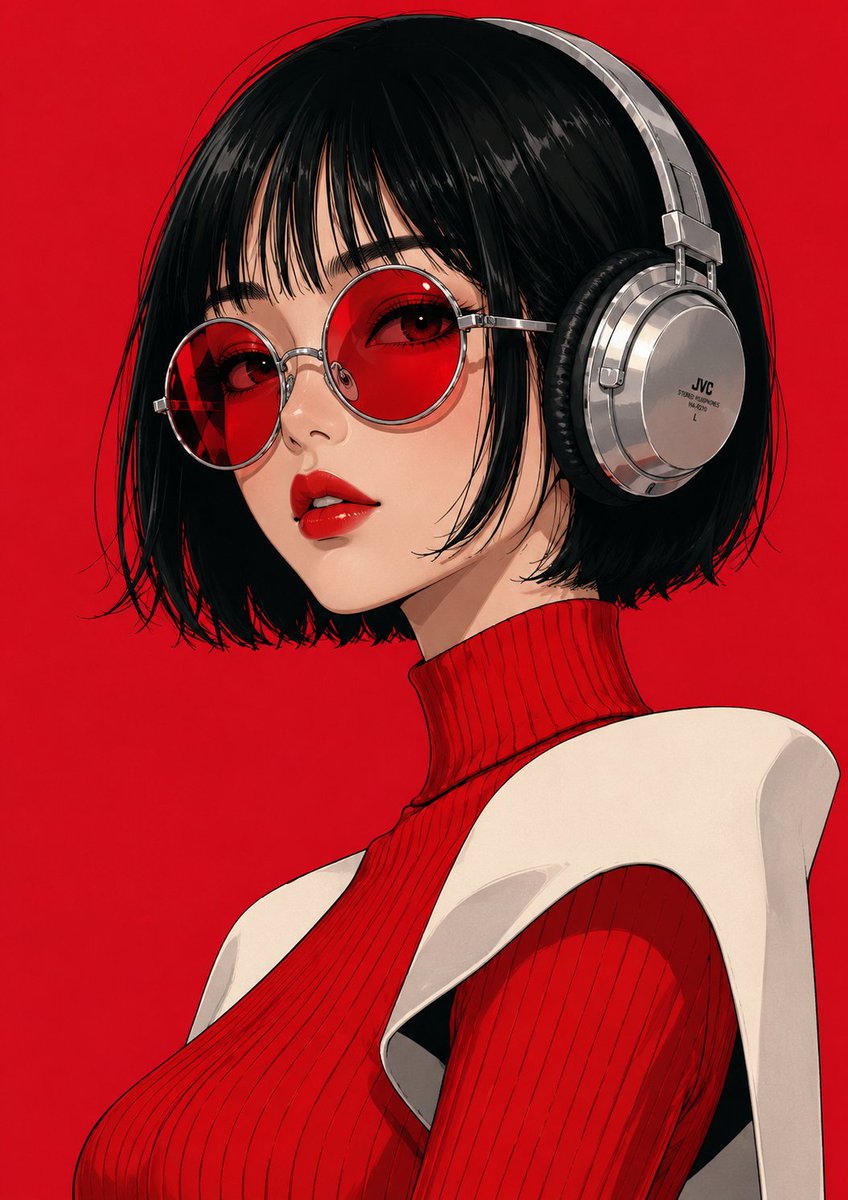
A retro-modern anime digital painting of a chic young woman in a dramatic low-angle perspective. Tousled dark shoulder-length wavy hair, straight wispy micro-bangs, silver hoop earrings, subtle warm makeup, looking down toward the camera with a calm, aloof gaze. Wearing a loose, baggy black oversized turtleneck with draped sleeves tucked into high-waisted black casual trousers, hands in pockets. Atmospheric neon split-lighting, warm pink rim light contrasting against deep purple and midnight-blue ambient shadows, clean graphic vector edges, cel-shaded anime style, smooth cobalt blue to hot pink gradient backdrop, synthwave color palette, cinematic lighting, masterpiece.

Negative Prompt: photorealistic, 3d render, deformed hands, distorted face, extra limbs, dull colors, noisy background, high clutter, low quality, sketch, messy lines.
Editorial note, separate from the source prompt.
Before you adapt it
How negative instructions are entered depends on the tool. Keep any adapted version separate from the original. Negative-prompt entry varies by tool.
In this image
Read the visual ingredients.
Image-level archive tags, organized for reading. This is not a structured prompt supplied by the creator.
- Subject
- fashion person · portrait
- Lighting
- neon light
- Composition
- full body · low angle
- Style
- anime manga · retro
About settings and compatibility
Camera names, focal lengths, and “8K” in a prompt describe an intended look; they are not verified output settings. Tool-specific parameters may require the original model, profile, or reference image.
Make it a starting point.
Read the prompt guide- 01
Read the original
Check the complete prompt and its source. Keep the author attribution with your reference.
- 02
Choose your tool
Use the model named by the source where possible. Another model may interpret the same words differently.
- 03
Change one thing
Replace the subject, setting, or material. Keep the rest steady while you explore.
- 04
Compare and refine
Review your result and adjust. Model versions, personal profiles, seeds, or reference images can affect the outcome.
Keep exploring.
View all