Source image and prompt belong to their respective creators. Public availability does not grant a commercial license.
Portrait / P05
Peony Garden Flash Portrait Prompt
Explore this peony garden flash portrait example. Read and copy the original prompt by @Sairah_0, view the source, and review adaptation notes.
@Sairah_0Tool named by the sourceGPT-Image-2
Not generation-tested. Results vary with model, settings, and input images.
Original prompt
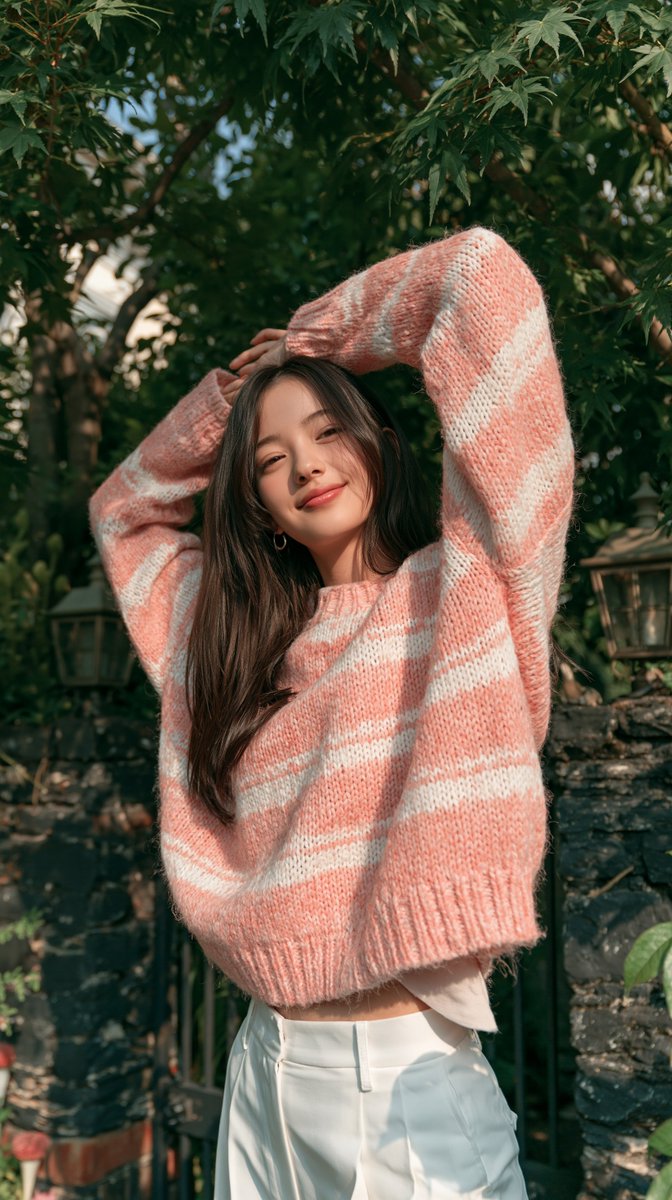
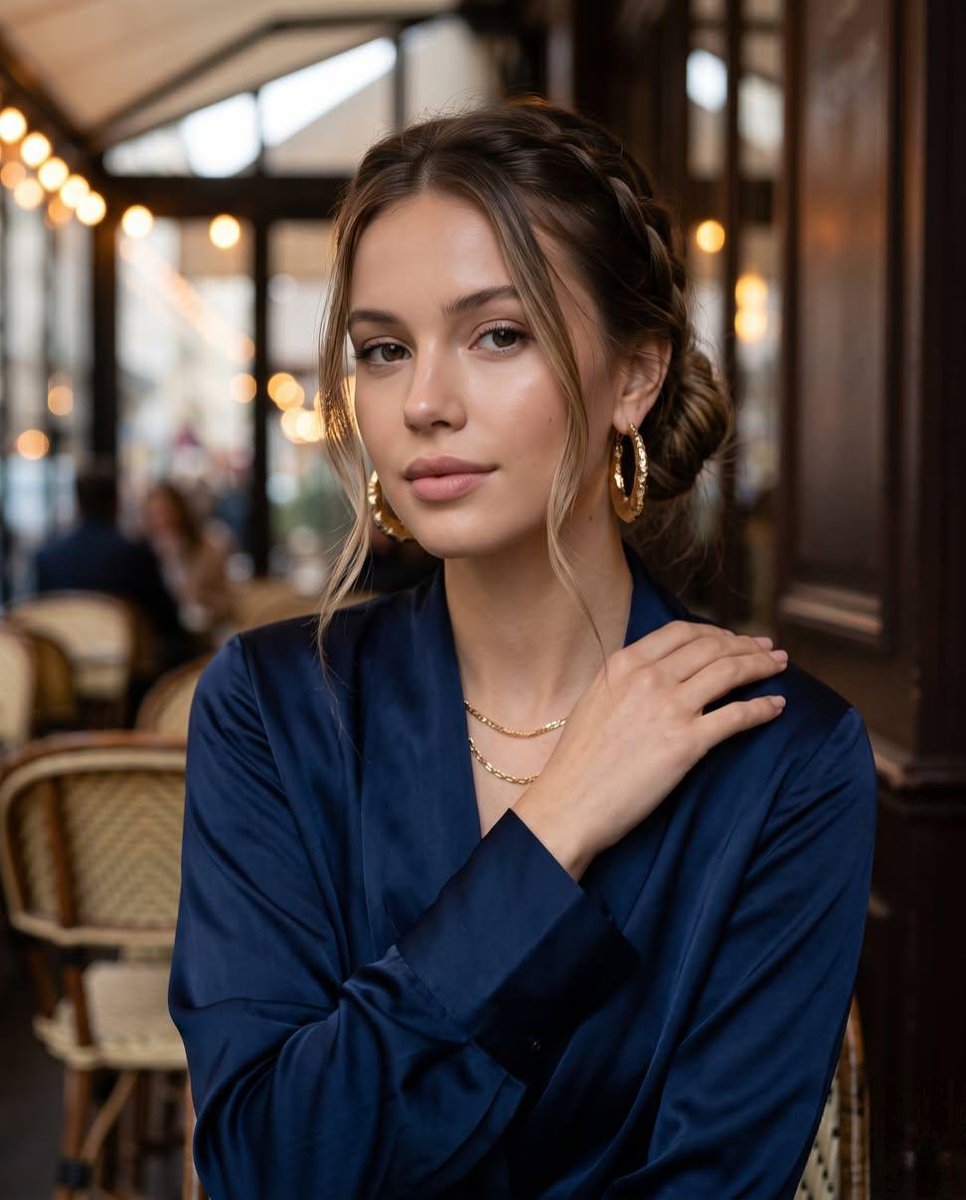
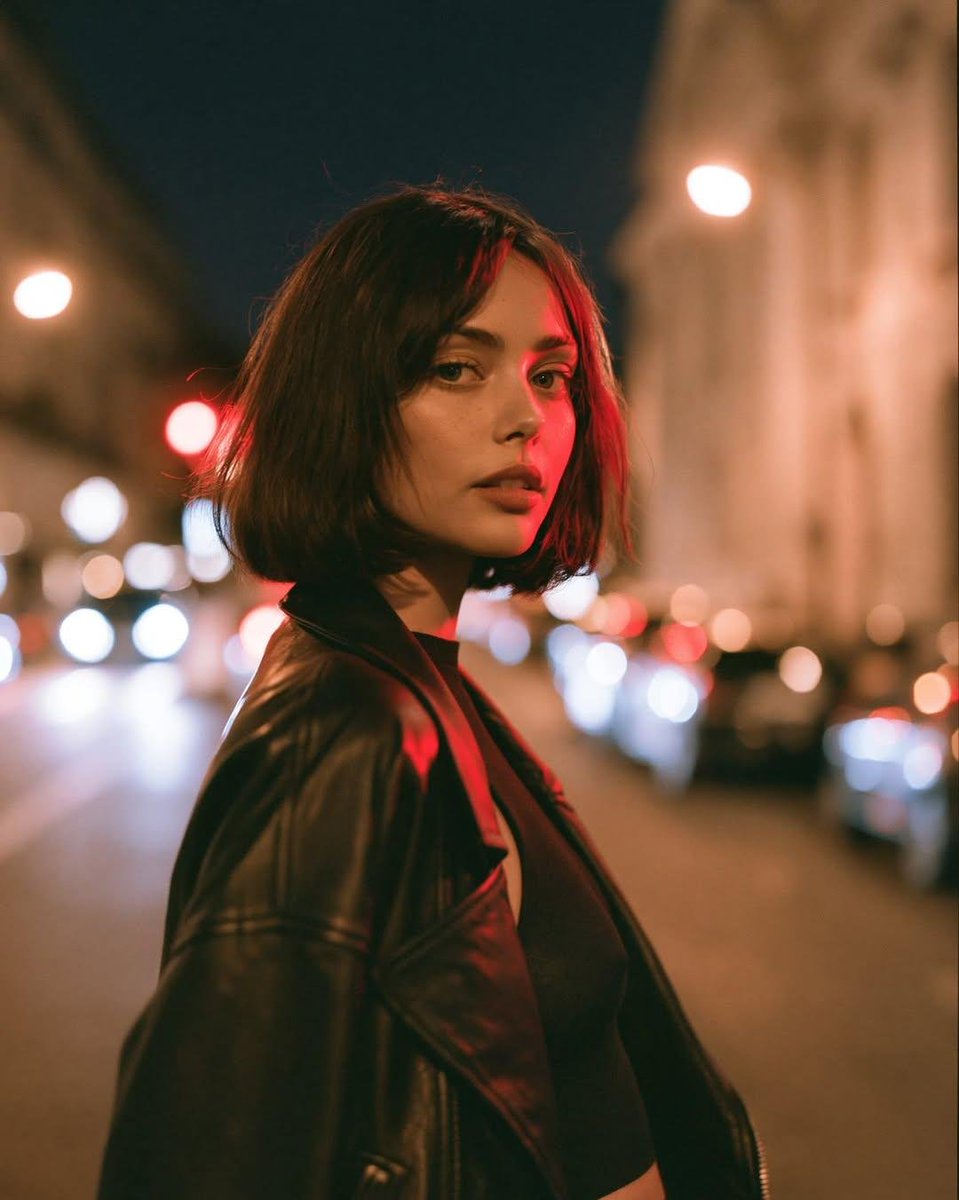
A candid nighttime editorial portrait of a young blonde woman standing in a lush garden filled with blooming white peonies, holding a large bouquet of freshly cut white peonies in her arms. She wears a chocolate-brown denim jumpsuit with a black belt, her hair styled in a loose low bun with soft face-framing strands. She looks away with a gentle smile, creating a natural and dreamy expression. The scene is illuminated by direct on-camera flash, producing crisp highlights, soft skin tones, deep shadows, and a dark navy night sky. Foreground flowers create depth and a cinematic composition with a shallow depth of field. Ultra-realistic photography, luxury fashion editorial, high detail, natural skin texture, vibrant greens, soft white petals, DSLR quality, 85mm lens, f/1.8, photorealistic, RAW, 8K, elegant, timeless aesthetic.
Editorial note, separate from the source prompt.
Before you adapt it
Night, direct flash, and shallow depth of field are visual directions in this prompt, rather than verified capture settings. 8K/RAW/lens terms in the text do not describe the available 670×1200 JPEG as native output specifications.
In this image
Read the visual ingredients.
Image-level archive tags, organized for reading. This is not a structured prompt supplied by the creator.
- Subject
- fashion person · portrait
- Setting
- garden
- Lighting
- hard light
- Composition
- medium shot
- Style
- editorial · photography
- Camera & focus
- 85mm portrait · shallow depth of field
About settings and compatibility
Camera names, focal lengths, and “8K” in a prompt describe an intended look; they are not verified output settings. Tool-specific parameters may require the original model, profile, or reference image.
Make it a starting point.
Read the prompt guide- 01
Read the original
Check the complete prompt and its source. Keep the author attribution with your reference.
- 02
Choose your tool
Use the model named by the source where possible. Another model may interpret the same words differently.
- 03
Change one thing
Replace the subject, setting, or material. Keep the rest steady while you explore.
- 04
Compare and refine
Review your result and adjust. Model versions, personal profiles, seeds, or reference images can affect the outcome.
Keep exploring.
View all